Getting started
Create your account
Sign up with your email, Google or Facebook, and sign in again later.
Signing up and signing in happen on the same page. Enter your email or choose a provider, and NegiFlow works out whether you're new or coming back.
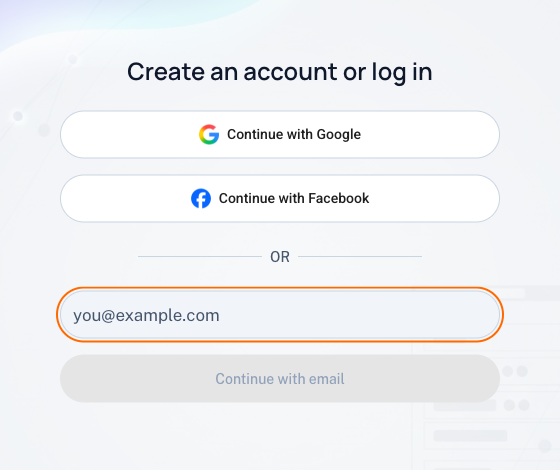
Sign up with email
- Go to console.negiflow.com and enter your email.
- Select Continue with email. NegiFlow sends you a 6-digit code.
- Enter the code. If it doesn't arrive, check your spam folder or select Resend code.
- Choose a password of at least 8 characters.
NegiFlow then creates your account and a workspace called Personal, which you can rename later in Settings.
Sign up with Google or Facebook
Select Continue with Google or Continue with Facebook and approve the sign-in on that site. If the provider doesn't confirm your email address, NegiFlow sends you a code to confirm it first.
Note
Sign in later
Enter the same email and select Continue with email. If your account has a password, NegiFlow asks for it. If you signed up with Google or Facebook, use the same button again.
Forgotten your password
On the password screen, select Forgot password?. NegiFlow emails you a code, then you choose a new password.
Trouble signing in
- A security check appears. NegiFlow sometimes asks you to confirm you're a person. Complete the check below the button, then try again.
- Too many wrong passwords. After several wrong attempts, NegiFlow pauses sign-in for that email for a while to keep your account safe. Wait, or reset your password.
- No code arriving. Check spam, and wait for the resend timer before asking for another.
Last updated 25 October 2026